
Production Track & Trace
Real-time visibility across every operation, every unit, every part.
No obligation — we'll walk through your needs, free of charge.
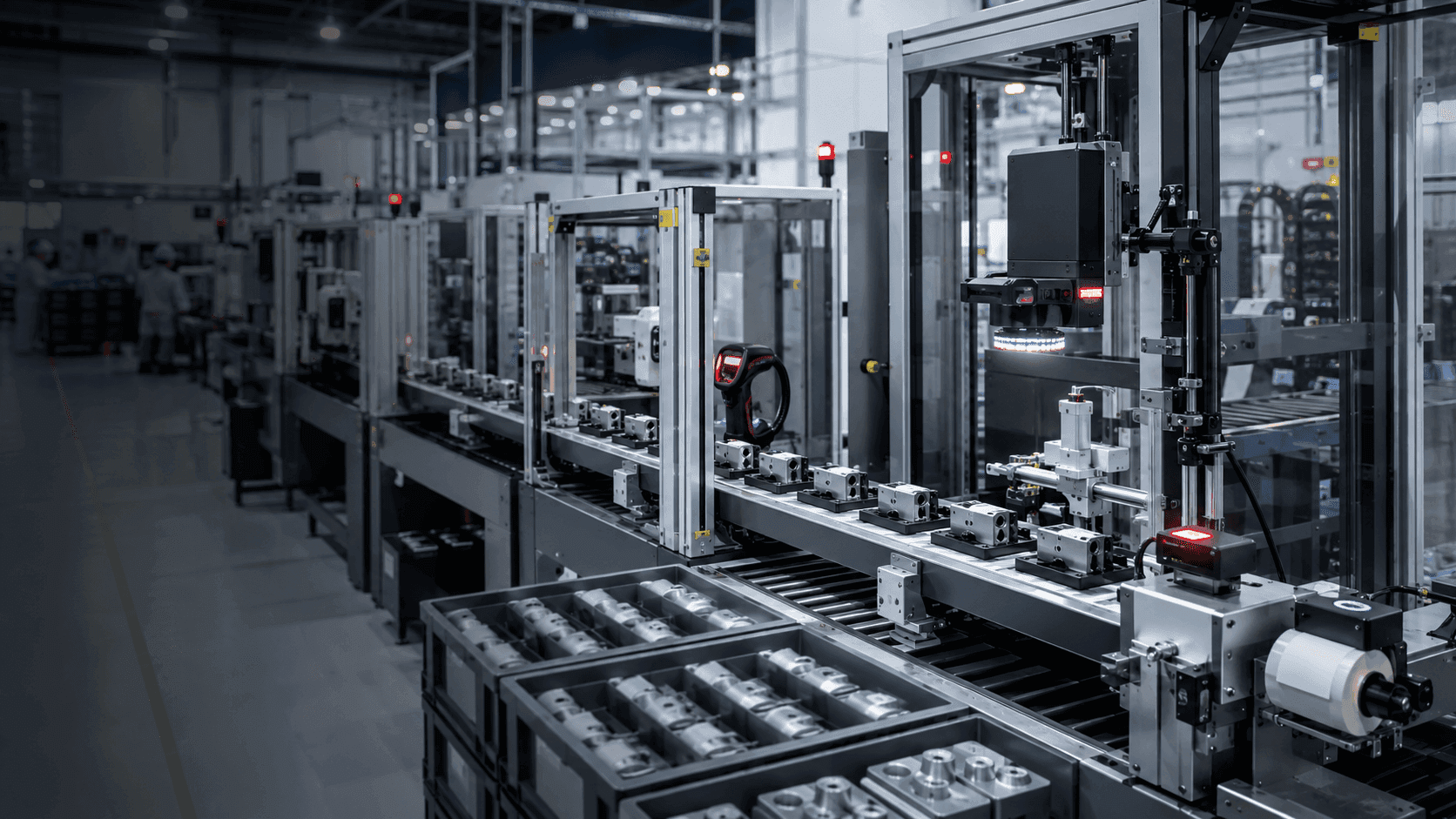
Qmuzik Production Track & Trace connects the shop floor to the enterprise. Every operation, split, merge, quality result, rework path and material movement is captured against the work order and the unit it belongs to — serial, batch, container or sub-assembly. The result: live visibility across production while it is happening, and a complete, defensible genealogy for every unit that leaves the plant.
Built for production that has to be provable
Track and trace is not a bolt-on. It runs on the same data model as planning, scheduling, quality and costing — so what you see on the floor is the same reality reported to the business.
Live
WIP visibility
Every station, every unit, every second
100%
Component genealogy
From raw material to shipped unit
1
Production ledger
One record of truth, plant to enterprise
Audit-ready
Trail for every unit shipped
See every part, every step, as it happens
Live WIP boards show what is running, what is stalled, where the bottleneck is and what is late — updated as operators scan and confirm at each station. No batching, no overnight reports, no reconciliation between the floor and the office. If it happened, it is on the ledger.
Book a walkthroughCapabilities
A production-grade track and trace platform, native to the same system that plans, schedules and costs the work.
Real-time WIP tracking
Every work order, every operation, every unit is live. See what is running, what is queued and what is blocked — by station, cell, line or plant.
Serial and batch genealogy
Every serial, batch or container carries its full parent-child history: components consumed, operations performed, quality outcomes, people and time.
Quality gates and rejects
In-process quality checks, non-conformance capture, rework routing and disposition decisions are recorded against the unit, not a spreadsheet.
Scan, barcode and RFID capture
Standard 1D/2D barcode, DPM and RFID capture out of the box. Rugged terminals, tablets, phones and desktop clients share the same transaction model.
Operator productivity
Actual times, quantities good and scrap, downtime reasons and stops are recorded at the station and roll up to OEE, labour efficiency and cost.
Bottleneck analytics
Cycle time, wait time and queue depth by operation surface bottlenecks live, so supervisors can rebalance capacity before the shift is lost.
Exception and rework routing
Split, merge, rework, salvage and scrap paths are first-class. The unit keeps its genealogy through every deviation, without losing traceability.
Backflushing and material consumption
Materials are consumed against the work order and the operation, with lot and serial linkage — so component traceability is automatic, not manual.
Compliance-grade audit trail
Every transaction is timestamped, user-attributed and immutable. Certificates of conformance and full genealogy reports are one click, not a project.
How it works
From routing to shipped unit — six steps, one system, no reconciliation.
- 1
Design
Model your routing, operations, quality gates and data-collection points against the BOM in the Template Design Studio — no code, no scripting.
- 2
Instantiate
Every work order carries the routing forward. Each operation, split, merge and rework path is provisioned as one traceable unit.
- 3
Capture
Operators scan, confirm and record actuals at each station via desktop, mobile or ruggedised terminals — with offline capability where connectivity matters.
- 4
Trace
Every unit — serial, batch, sub-assembly, container — carries its full genealogy: components consumed, operations performed, quality outcomes, people and time.
- 5
Analyse
Live WIP boards, throughput and yield reports, bottleneck detection and rework tracking — directly from the production ledger, no data warehouse required.
- 6
Prove
At any point, produce a certificate of conformance, a full genealogy report or an audit-ready trail for any unit shipped — from a single query.
Traceability that survives an audit
Every transaction is timestamped, user-attributed and immutable. Component lots, operator IDs, tool numbers, quality results and rework history are recorded against the unit at the moment they happen — not reconstructed afterwards. When the auditor arrives, you produce the record; you do not rebuild it.
Explore Qmuzik EnterpriseWhere Production Track & Trace earns its keep
Every plant tracks something. These are the industries where the difference between recording it well and recording it badly is measured in millions.
Common questions about Production Track & Trace
What data-collection devices does it support?
Standard 1D/2D barcode scanners, DPM readers, RFID readers, rugged Windows and Android terminals, tablets, phones and desktop clients. All share the same transaction model, so the choice of hardware is a per-station decision.
Does it work if a station loses network connectivity?
Yes. The station client can queue transactions locally and sync when connectivity returns — without losing sequence, timestamps or operator attribution.
Does it replace our MES, or can it coexist?
Both. Where the MES footprint is thin, Qmuzik Production Track & Trace covers it natively. Where an MES is already in place, the two coexist through documented interfaces so the enterprise still has one production ledger.
How does it handle rework and non-conformance?
Rework, salvage, split, merge, hold and scrap paths are first-class transactions. The unit keeps its genealogy through every deviation, and the disposition, decision-maker and reason are all recorded.
Can it produce a certificate of conformance or a full genealogy report?
Yes — on demand, per unit or per shipment, from a single query. Because the record was captured at the moment of the event, the report is a lookup, not a reconstruction.
How is component traceability captured — manually or automatically?
Automatically. Materials are consumed against the work order and the operation with lot and serial linkage, so components used in a given unit are known without a separate reconciliation step.
What roles use it day-to-day?
Operators, station leads and quality inspectors capture data. Supervisors and planners work off the live WIP board. Quality, compliance and customer service use the genealogy and audit trail. Finance uses the same actuals to close the job.
See Production Track & Trace on your product
Bring a real product to the walkthrough. We will map its routing, quality gates and traceability requirements into Qmuzik and show you the live WIP board, the genealogy record and the audit trail — running.
No obligation — we will walk through your needs, free of charge.