
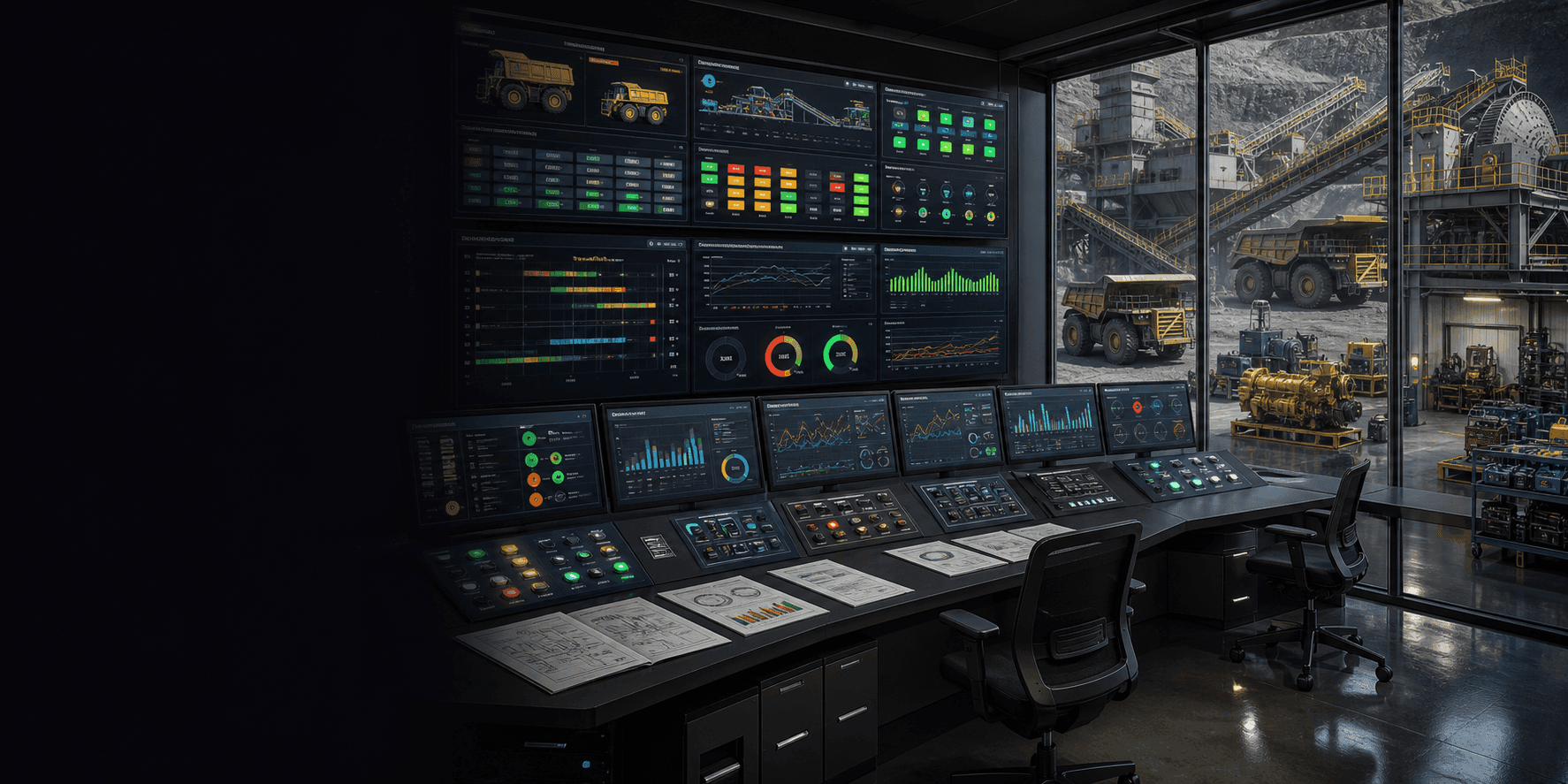
Qmuzik Equipment Manager
Control-room software for mining equipment, availability and events
Key benefits
- Real-time availability of every machine, per shaft, section and panel
- Structured event capture for breakdowns, maintenance, and emergencies
- Scheduled and unscheduled maintenance tracked against configured intervals
- 24-hour asset modelling driven by classifications, categories and buckets
- Automatic MTTF and MTTR KPIs — no spreadsheet required
- Full health & safety and blasting event register for compliance
Built for the mining control room
QEM has been engineered for the realities of underground and surface mining — hierarchical locations, hard shifts and events that must be captured accurately the first time.
24h
Asset modelling across every shift
From SOS to EOS, without gaps
3+
Shift models
2-shift, 3-shift or custom
MTTF · MTTR
Reliability KPIs computed automatically
4
Location levels
Mine → Shaft → Section → Panel
One control-room platform for the whole site
QEM sits between the shift boss, the artisan, the section engineer and the mine manager. Every event captured on a machine is instantly visible on the auto-refreshing Open Events dashboard. Every hour reading and production figure flows straight into the engineering reports and KPI calculations. The result: one live picture of the site, shared across engineering, production and safety teams.
Talk to usQEM Core Capabilities
Everything a mining control room needs to configure, capture, track and report on equipment.
Asset Availability Modelling
24-hour availability per asset, driven by configured classifications, categories and event reasons.
Structured Event Capture
Bulk or per-asset event capture — breakdowns, maintenance, emergencies, blasting — with the right fields for each type.
Scheduled Maintenance
Interval-based scheduled maintenance with statutory, postpone and completion tracking against each event reason.
Location Hierarchy
Everything rolls up the Mine → Shaft → Section → Panel hierarchy, with active/inactive control at every level.
Shift-Based Data
2-shift, 3-shift or custom shift models with historic data preserved as the site evolves.
Production Readiness
Employees, portal guard, blasting clearance and telemetry readings captured before production starts each shift.
Health & Safety Events
Dedicated capture for incidents, Women-in-Mining events and emergency preparation with configured type-specific fields.
Blasts & Explosives Register
Configured explosive types and blast types linked to panels, sections, employees and clearance events.
Auto-refresh Dashboards
Open Events dashboards refresh automatically for the control room — no F5, no stale picture.
Telemetry Integration
Telemetry parameters per asset, with manual capture of levels and time where telemetry does not reach.
MTTF & MTTR KPIs
Mean Time to Failure and Mean Time to Repair computed automatically from captured events.
Export Everywhere
Every report exports to Word, Excel and PDF — for the shift report, the safety file and the boardroom.
How QEM runs the shift
From configuration to the end-of-shift report — one platform, one flow.
- 1
Configure
Machine types, attributes, measurements, event reasons, shift models, scheduled maintenance, locations, users and shift setup.
- 2
Start of Shift
Capture employees, portal guard, blasting clearance, telemetry and opening readings for every asset.
- 3
Capture
Log every event as it happens — breakdown, artisan call-out, maintenance, blast, health & safety incident.
- 4
Monitor
Open Events dashboard refreshes automatically; assets with and without captured events are visible at a glance.
- 5
End of Shift
Close production figures, hour readings and open events to lock the shift and hand over cleanly to the next.
- 6
Report
Automated MTTF/MTTR, breakdown reports (per machine, component, section, artisan), master data and scheduled maintenance reports.
Location-aware. Hierarchy-driven.
Everything in QEM understands the site the same way you do. Every event, every KPI, every report is scoped to a Mine, Shaft, Section or Panel — and rolls up cleanly. The Site Status view shows dashboard events per selected location so a Section Engineer can drill into their panels while the Shaft Manager keeps the big picture.
Reports at your fingertips
Twelve report families cover popular engineering questions, breakdown analysis, machine detail and master data — every one exportable to Word, Excel and PDF.
Asset Model Detail
Every event with its time component, filterable by machine type or asset.
Event History
Historic view of events captured on the dashboard, filterable and exportable.
Asset Model KPIs
Time allocated to classifications and buckets, with configured formulae and KPIs.
Open Events (auto-refresh)
Live control-room view of every open event in the site, refreshing automatically.
Breakdown Per Machine
Breakdowns rolled up by machine number, machine type and section.
Breakdown Per Component
Breakdowns rolled up by component category — where reliability really hurts.
Breakdown Per Section
Comparative breakdown analysis across sections and shafts.
Breakdown Per Artisan
Workload and repair performance across the artisan roster.
Machine Detail
One machine type per page with a full list of assets and their performance.
Site Status
Dashboard events per selected location — Shaft, Section and Panel.
Scheduled Maintenance
All events driven by scheduled maintenance classification, per machine type and asset.
Unscheduled Maintenance
The other side of the reliability picture — captured, reportable and comparable.
Built for mining
QEM is used across underground and surface mining operations — trackless and conventional fleets alike.
Common questions about QEM
What kinds of machines does QEM support?
Any machine type you configure. QEM has global configuration for machine types, attributes (like engine hours), measurements (like production figures) and event reasons — so it can be adapted to trackless and conventional mining fleets across any commodity.
How does QEM handle shifts?
QEM supports 2-shift, 3-shift and custom shift models per machine type, with SOS (Start of Shift) and EOS (End of Shift) captured explicitly. Historic shift data is preserved so trends survive shift-model changes.
Can QEM ingest telemetry from machines?
Yes. QEM captures telemetry readings per asset against configured parameters, with fallback manual capture of levels and time so nothing is lost when telemetry drops.
Does QEM cover health & safety and blasting?
Yes. QEM includes structured event capture for health & safety incidents (including Women-in-Mining events), emergency preparation, and a full blasts & explosives register linked to panels, sections and employees.
What KPIs does QEM compute automatically?
MTTF (Mean Time to Failure) and MTTR (Mean Time to Repair) are computed from captured events, alongside classification-bucket time allocations and configurable KPI formulae for the Asset Model report.
Bring QEM to your control room
Book a walkthrough with our team. We will run QEM against a shift from your site and show what it delivers before you commit anything.
No obligation — we will walk through your needs, free of charge.