
Point of Sale
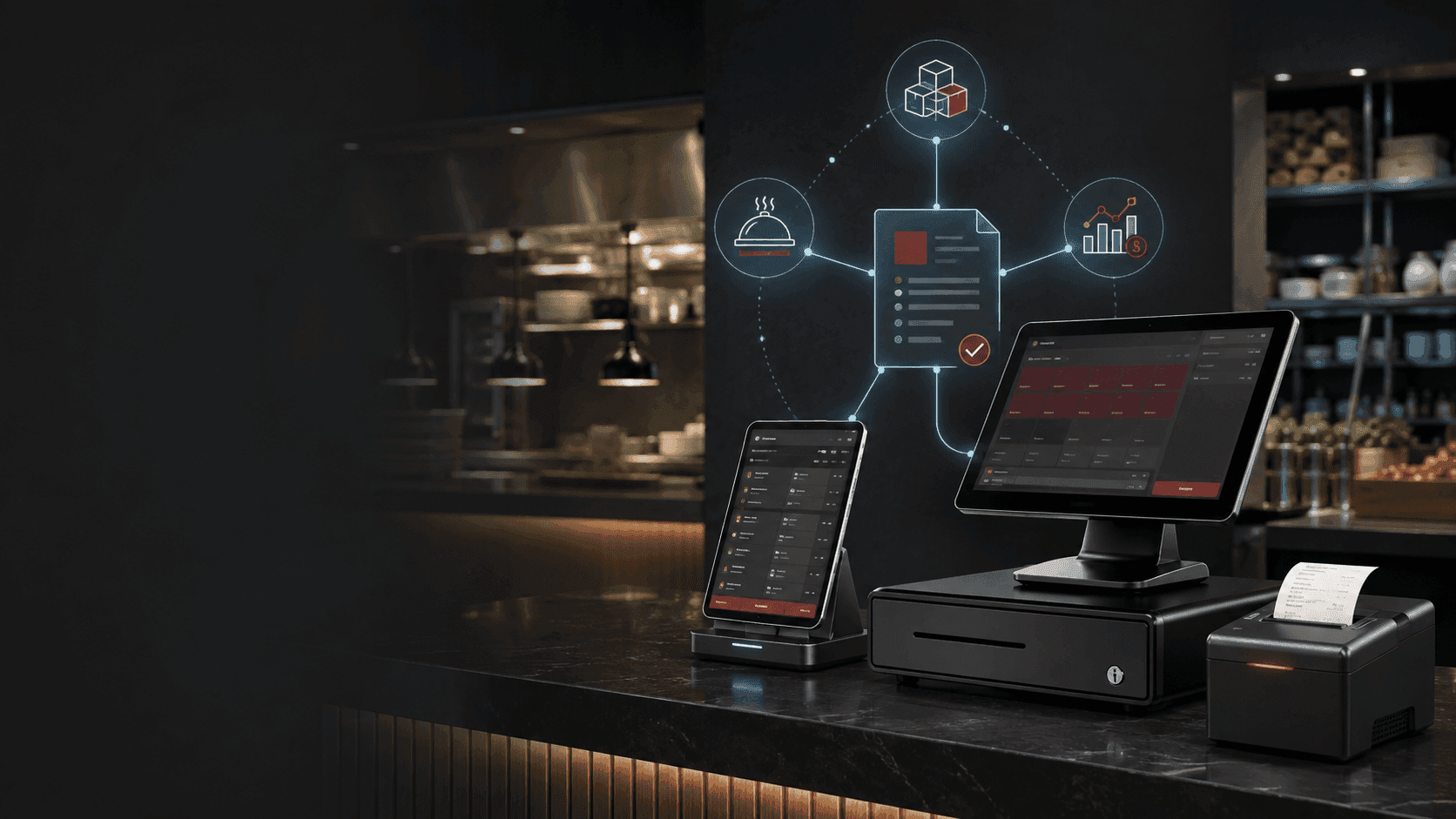
The till, the waiter tablet and the kitchen printer — all on the same business record as production, stock and finance.
No obligation — we'll walk through your needs, free of charge.
Qmuzik POS is more than a till. It is the front-of-house layer of the business — the counter, the waiter tablet and the kitchen printer — connected directly to the same operational record that runs stock, pricing, credit, catering and finance. Every transaction lands as a real, auditable event on the enterprise database: no separate POS silo to reconcile at the end of the shift, no midnight batch to catch up on. Whether the environment is a retail counter, a staff canteen, a restaurant floor or a campus with departmental billing, one platform handles the sale, the till shift, the cash-up and the banking.
One counter, one record
Every sale a cashier rings, every waiter tap on a tablet, every voucher redeemed and every departmental charge lands directly on the same business record that plans, stocks and prices. There is no POS silo drifting out of sync — the ledger and the till agree because they read and write to the same place.
Cashier + Waiter
One platform, two form factors
Counter and floor
Live
Stock, price and catalogue
The business system is the source of truth
Shift-aware
Open, cash up, recon, bank
Auditable
Every sale, every void, every card retained
One counter, many shapes
A retail till at a convenience counter, a waiter tablet on a restaurant floor, a staff canteen with meal cards, a campus cafeteria with student and departmental payment routes — same platform, same catalogue, same shifts, same reports. The user interface adapts to the role and to the venue; the business record behind it does not change.
Book a walkthroughCapabilities
Everything needed to run a shift end-to-end — from opening the till to banking the takings — natively integrated with the business system that already runs your operation.
Sales — scan, search or manual entry
Barcode scanner, manual entry or product search cover any counter workflow. Sales catalogues are managed centrally against the same catalogue the rest of the business uses.
Payments — cash, card, fund and account
Cash, debit card, credit card, student card, departmental card, staff meal card and on-account payment routes are all supported natively. Multi-approval flows for higher-value transactions are configurable.
Vouchers, discounts and loyalty
Buy and redeem vouchers, apply sale or item-level discounts, run loyalty programmes with card scanning, and automate recycling or environmental discounts at ring-up time.
Waiter app for restaurant floors
A companion waiter application for restaurants, staff canteens and cafeterias — take orders at the table, split bills, send to the kitchen and settle at the till, all against the same order record.
Departmental and account billing
Charge a department, cost centre or on-account customer without swiping a card — useful for internal meal programmes, campus departments, corporate hospitality and B2B counter accounts.
Till shifts, cash-up and banking
Open and close till shifts, cash up, reconcile, run shift banking and till bank deposits from the same platform. Nothing floats between systems at the end of the day.
Roles, permissions and access
Fine-grained till roles govern which functions a cashier, supervisor, waiter, manager or administrator can use. Login by username and password, or by scanning an authorised card.
Reversals, refunds and voids
Reversals, refunds and voids are first-class transactions — captured against the sale, the operator and the shift, so the audit trail stays intact through the exception path.
Reports and business insight
Sales, shifts, cash-ups, banking, voucher activity, loyalty and discounts — reported directly from the business record, ready for the decisions the next shift depends on.
Hardware you already know
Barcode scanners, cash drawers, receipt printers, kitchen printers, card readers, tablets and rugged counter terminals — supported through the drivers your operation already runs.
How a shift runs
From the first sign-in to the banked takings — six steps, one platform.
- 1
Open
The cashier signs in with credentials or an authorised card, picks the correct till shift and opens the till with the starting float. The shift clock is running from that moment on.
- 2
Sell
Scan a barcode, search a product or enter it manually. Apply discounts, redeem vouchers, add loyalty. The sale reads live pricing and stock from the business record and writes back the transaction.
- 3
Take payment
Cash, debit or credit card, student card, departmental card, staff meal card, on-account — routed through the payment device configured for the till, with multi-approval where required.
- 4
Handle exceptions
Reversals, refunds, voids and rework are captured against the sale, the operator and the shift. Nothing gets deleted quietly; the audit trail stays intact.
- 5
Cash up and reconcile
Close the shift, cash up, run the till shift recon. Discrepancies surface immediately against the operator and the shift, not two days later in a spreadsheet.
- 6
Bank
Till bank deposits and shift banking are handled inside the same platform. The banked total ties to the shift, the shift ties to the sales, and every sale ties to the business record.
Every sale, a real transaction on the business record
The reason POS silos exist is that most POS systems are stand-alone tills that copy their state to a central system on a schedule. Qmuzik POS is not a stand-alone. The till, the waiter tablet and the kitchen printer all read and write against the same operational record that plans stock, prices customers, tracks credit and closes the ledger. Cash-up matches the ledger because the cash-up is the ledger, one transaction later.
Explore Qmuzik EnterpriseWhere POS earns its keep
From SMME food service through campus operations to retail counters attached to a manufacturing operation — anywhere the counter has to agree with the ledger, on the same shift.
Common questions about Qmuzik POS
Is it a retail till or a restaurant POS?
Both. The same platform serves a retail counter (barcode-driven), a restaurant floor (waiter tablet, order-to-kitchen, table settlement) and a staff canteen or campus cafeteria (student cards, departmental billing, on-account routes). The user interface adapts to the venue; the business record behind it does not change.
What payment methods and cards are supported?
Cash, debit card, credit card, student card, departmental card, staff meal card, on-account and multi-approval routes for higher-value transactions. Card readers, receipt printers and cash drawers are supported through the drivers your operation already runs.
How do vouchers, discounts and loyalty work?
Vouchers can be bought and redeemed at the counter, discounts can be applied at sale or line-item level, and loyalty programmes are handled by scanning the loyalty card. Automatic discounts — recycling incentives, promotional rules — are applied at ring-up without cashier intervention.
Can we manage till shifts, cash-up and banking on the same platform?
Yes. Open and close till shifts, cash up, reconcile, run shift banking and till bank deposits from the same platform. Nothing floats between systems at the end of the day; discrepancies surface against the operator and the shift immediately.
How do roles and permissions work?
Fine-grained till roles govern which functions a cashier, supervisor, waiter, manager or administrator can use — with time-bounded role assignments where required. Login is by username and password, or by scanning an authorised card.
How does the till stay in sync with stock, pricing and credit?
It does not "stay in sync" — it uses the same record. The catalogue, price list, stock position and credit limit shown at the till are read live from the business system, and every sale, reversal, discount and payment is written straight back to it. No silo, no midnight batch to reconcile.
What happens with reversals, refunds and voids?
They are first-class transactions — captured against the original sale, the operator, the shift and the payment route. The audit trail stays intact through the exception path; the auditor gets the full sequence, not a hole.
What hardware do you support?
Standard barcode scanners, cash drawers, receipt printers, kitchen printers, card readers, tablets and rugged counter terminals. The drivers your operation already uses are the ones the platform talks to; there is no proprietary hardware requirement.
Put your counter on the same record as your business
Bring a real shift to the walkthrough — a busy counter, a restaurant floor, a campus cafeteria with departmental billing. We will show you the till, the waiter app and the shift-close running against the same business record as stock and finance.
No obligation — we will walk through your needs, free of charge.