
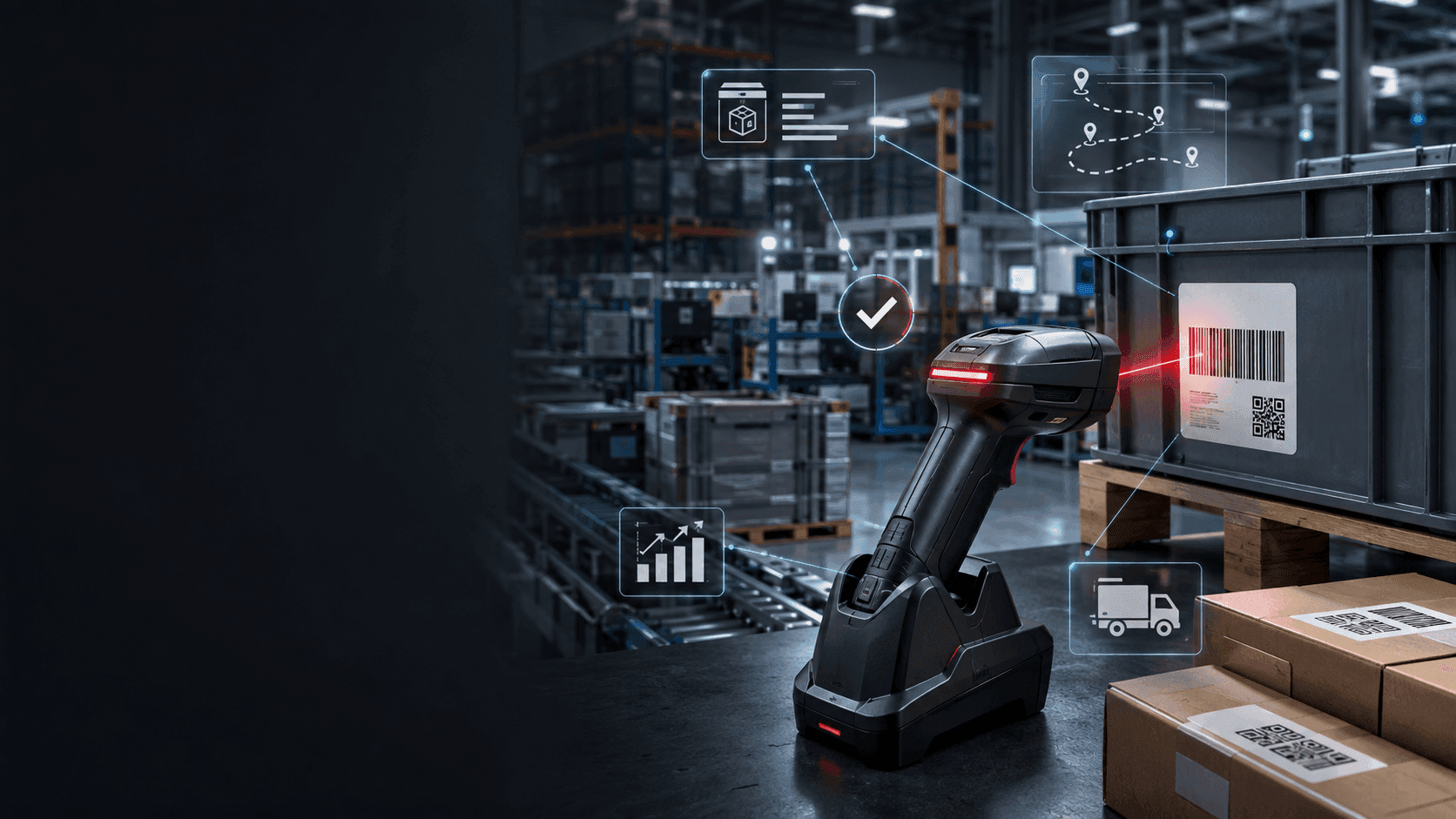
Barcode / RFID Scanning
One Android scanner. Every warehouse and shop-floor transaction. Real-time writes to the same business system that plans, produces and bills.
No obligation — we'll walk through your needs, free of charge.
Barcodes and RFID are not about scanning. They are about not typing. Every keystroke on a warehouse counter or a production floor is a chance to enter the wrong SKU, the wrong quantity, the wrong bin or the wrong work order. Qmuzik Barcode / RFID Scanning replaces the keystrokes with scans, on a rugged Android scanner in the operator's hand, writing directly against the same enterprise record that plans, produces, ships and bills. The result: fewer errors, faster cycle times and inventory that agrees with reality — because reality was recorded at the moment it happened, not typed in later from a paper sheet.
Every scan, a real transaction
A scanner is only useful if it writes back — otherwise it is a fancier way of producing a paper list. Qmuzik's scanner app is a first-class client of the same enterprise record, so a scan on the floor is a transaction on the ledger the moment the operator confirms it.
Android
Rugged scanner terminals
Off-the-shelf devices, no proprietary hardware
Live
Writes to the business system
No overnight batch, no reconciliation
Every move
Captured against work order, bin, operator, shift
Auditable
Every scan retained with timestamp, operator, unit
The transaction is the scan
Most scanner deployments produce a scanned list that someone still has to reconcile against the business system afterwards. Qmuzik does not work like that. The scanner app authenticates the operator, opens the specific function (receiving, transfer, cycle count, production declaration, sale), captures the scans against the open work order or purchase order in real time and commits the transaction directly. What the operator saw at the shelf is what the business system saw at the same moment. Nothing to reconcile later.
Book a walkthroughTransactions the scanner handles
The scanner covers the everyday warehouse and shop-floor transactions end-to-end — each one writing directly against the same enterprise record as the desktop clients and the ledger.
Receiving against a purchase order
Scan the PO, scan the part, capture the received quantity, bin location and lot / serial reference. Under- and over-receipts are handled inline; the receipt writes back to the open PO immediately.
Stock transfers between locations
Move stock from bin to bin, warehouse to warehouse, plant to plant, or off-site to shop floor. Both sides of the movement are captured on the same scan, with the transfer document created and closed inline.
Cycle counts
Cycle-count sets are opened for feedback and dispatched to the scanner. Operators scan the bin, scan the part, enter the counted quantity; adjustments are proposed against the count, approved and posted — no paper sheet in the loop.
Production declarations
Declare quantities produced and scrapped at the operation, against the open work order. Consumption is backflushed against the BOM; operator, station and shift are captured against the record.
Sales transactions
Counter or dispatch sales scanned at the point of pick. Pricing, stock and credit are read live from the business system; the sale is booked, invoice generated and stock relieved in a single confirm.
Serial and lot capture
Serialisation and lot numbers are first-class on every relevant transaction — receipt, transfer, production declaration, sale. Component genealogy is built up automatically as scans happen.
Role-based scanner menus
Each operator sees only the functions their role uses. Receiving clerks see receiving; warehouse teams see transfers and cycle counts; production teams see declarations; counter sales see the sales workflow. Less clutter, fewer mis-scans.
Barcode and RFID capture
Standard 1D / 2D barcode reading covers the everyday cases; RFID capture handles high-throughput scenarios where line-of-sight scans slow the operation down. Both feed the same transaction model.
Works with rugged Android hardware
Native Android app for the rugged scanner terminals your warehouse already uses. No proprietary hardware lock-in; deploy to phones, tablets or dedicated terminals as the environment demands.
Auditable transaction ledger
Every scan is retained with a timestamp, the operator who made it, the device, the work order or PO it referenced and the outcome. What happened is retrievable, per unit or per shift, indefinitely.
How a scan lands
From the operator picking up the scanner to the transaction on the ledger — six steps, one system.
- 1
Sign in
Operator authenticates on the scanner — username / password, PIN, or an authorised badge scan. From that moment on the app is scoped to what their role can do.
- 2
Pick a function
Receiving, transfer, cycle count, production declaration, sale — the operator picks the function that matches the task, and the scanner opens the right screen.
- 3
Scan
Scan the reference document (PO, work order, cycle-count set), then scan the part, the bin, the serial or the lot. Quantities are entered or read from the scan itself.
- 4
Validate
The scanner validates every scan against the business system live — right part? open PO? valid bin? sufficient stock? — before the operator can confirm. Errors are caught at the moment of the scan, not later.
- 5
Commit
The operator confirms. The transaction commits directly against the same enterprise record every other client uses. Stock moves, work orders update, receipts and invoices generate as required.
- 6
Audit
Every scan is retained — operator, device, timestamp, referenced document, quantity, bin, serial, outcome. Retrievable per unit, per shift, per operator, indefinitely.
Fewer errors, faster cycles, honest counts
A keyed SKU is a chance to type the wrong SKU. A keyed quantity is a chance to type the wrong quantity. A keyed bin is a chance to put stock in the wrong bin. Replacing the keystroke with a scan reduces those errors to almost zero. And because the scan is live — validated against the open PO, the open work order, the current stock position — the errors that remain are caught at the shelf, where they can still be fixed, not two days later at month-end.
Explore Qmuzik EnterpriseWhere scanning earns its keep
Anywhere the warehouse count has to agree with the ledger, and anywhere the shop floor moves faster than a paper sheet can keep up.
Common questions about Barcode / RFID Scanning
Which Android devices does the scanner app run on?
The rugged terminals your warehouse already uses, plus mainstream Android phones and tablets. No proprietary hardware — deployment is device-agnostic, and users can move between terminals without losing their session.
Does the scanner need to be online, or does it work offline too?
The scanner is online-only by design. Every scan is validated against the business system in real time — the open PO, the open work order, the current stock position — and that live validation is what makes the "no reconciliation later" story work. For sites where connectivity is unreliable, the fix is on the network side, not by relaxing the transaction model.
What transactions does the scanner cover?
Receiving against purchase orders; stock transfers (bin / warehouse / plant); cycle counts with set-based dispatch and inline adjustments; production declarations with backflushed consumption; and counter or dispatch sales. Serial and lot capture is available across every relevant transaction.
Does it write directly to the business system, or through a batch?
Directly. Every scan the operator confirms is a real transaction on the same enterprise record used by the desktop clients and the ledger. There is no midnight batch to reconcile; what happened on the shelf is what happened on the system, at the same moment.
How are errors handled at the point of scan?
The scanner validates every scan live — right part, open PO, valid bin, sufficient stock, matching serial. Errors are shown to the operator at the shelf and can be corrected inline. What cannot be corrected on the floor is captured as a defined exception path against the referenced document.
Can we do RFID as well as 1D / 2D barcode?
Yes. Standard 1D / 2D barcode scanning covers the everyday cases; RFID handles the high-throughput cases where line-of-sight scans are the bottleneck (pallet-level moves, bulk receipts, high-volume dispatch). Both feed the same transaction model.
What about audit — can we prove what happened, per unit?
Yes. Every scan is retained with the timestamp, the operator, the device, the referenced document, the outcome and any exception routing. Retrievable per unit, per shift, per operator, per site, indefinitely.
How do serialisation and component genealogy work?
Serial and lot numbers are captured natively on receiving, transfers, production declarations and sales. Component genealogy — which lot went into which serial, which serial was consumed on which work order, which serial shipped on which order — is built up automatically as the scans happen.
See a scanner running your warehouse and floor
Bring a real transaction to the walkthrough — a receiving run against a real PO, a cycle-count set for a real bin, a production declaration for a real work order. We will run it on a live Android scanner against a Qmuzik back-end.
No obligation — we will walk through your needs, free of charge.